
Control Plan
Keep your control points in one plan, audit-ready.
The Control Plan tool lets you define and manage product and process control points in a row-based, 13-column plan and export a landscape PDF.
Advantages of using it digitally
- 13-column control plan is digital and linked to FMEA, keeping consistency.
- One-click landscape PDF; an up-to-date output at every revision.
- Central and accessible on the shop floor — no more paper-plan chaos.
- Changes are traceable; ready for audit at any time.
How it works
Build your control plan in a few steps — from setup to control points and report.
-
1
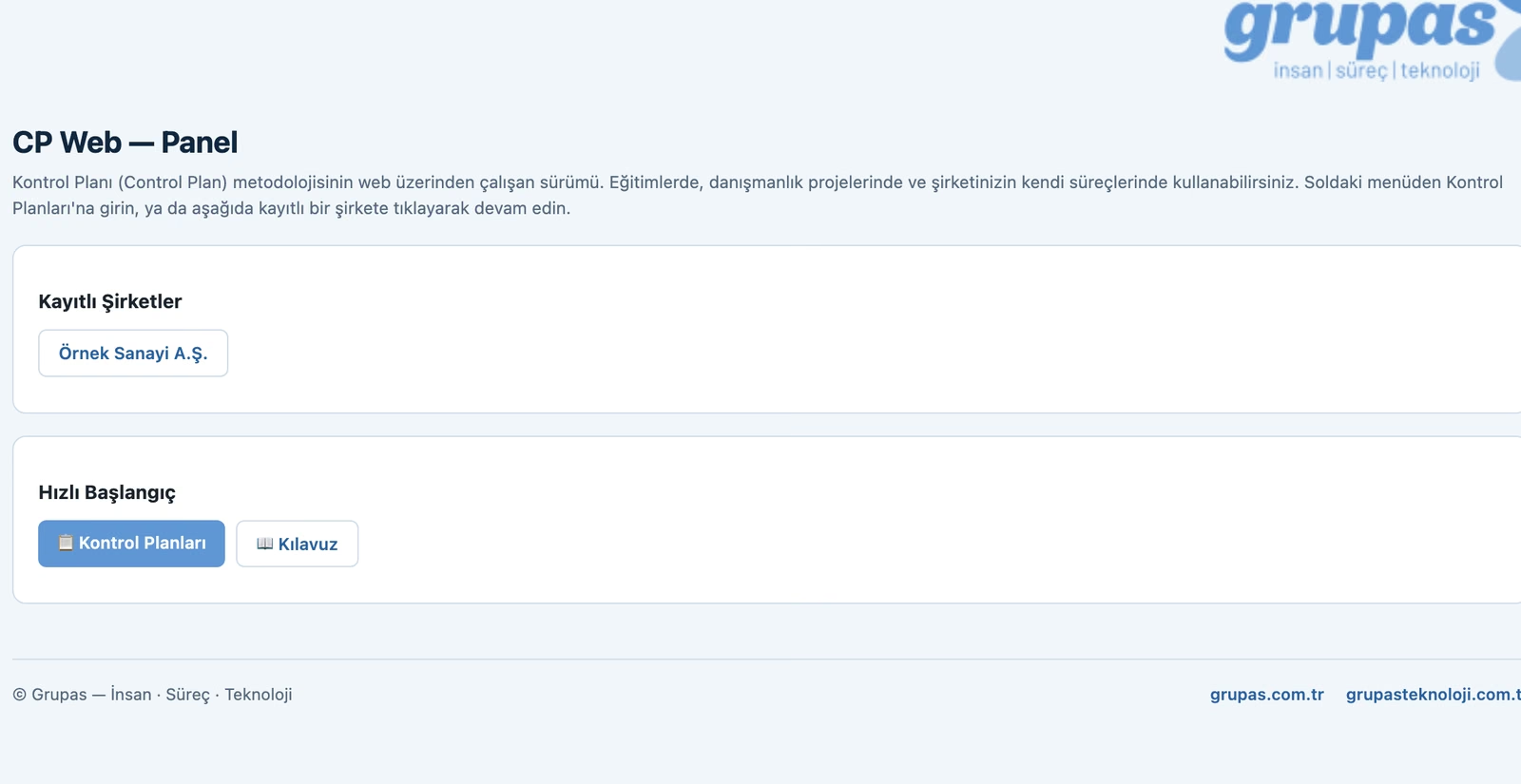
Open the panel
Open Control Plan; manage your product and process control plans from one panel.
-
2
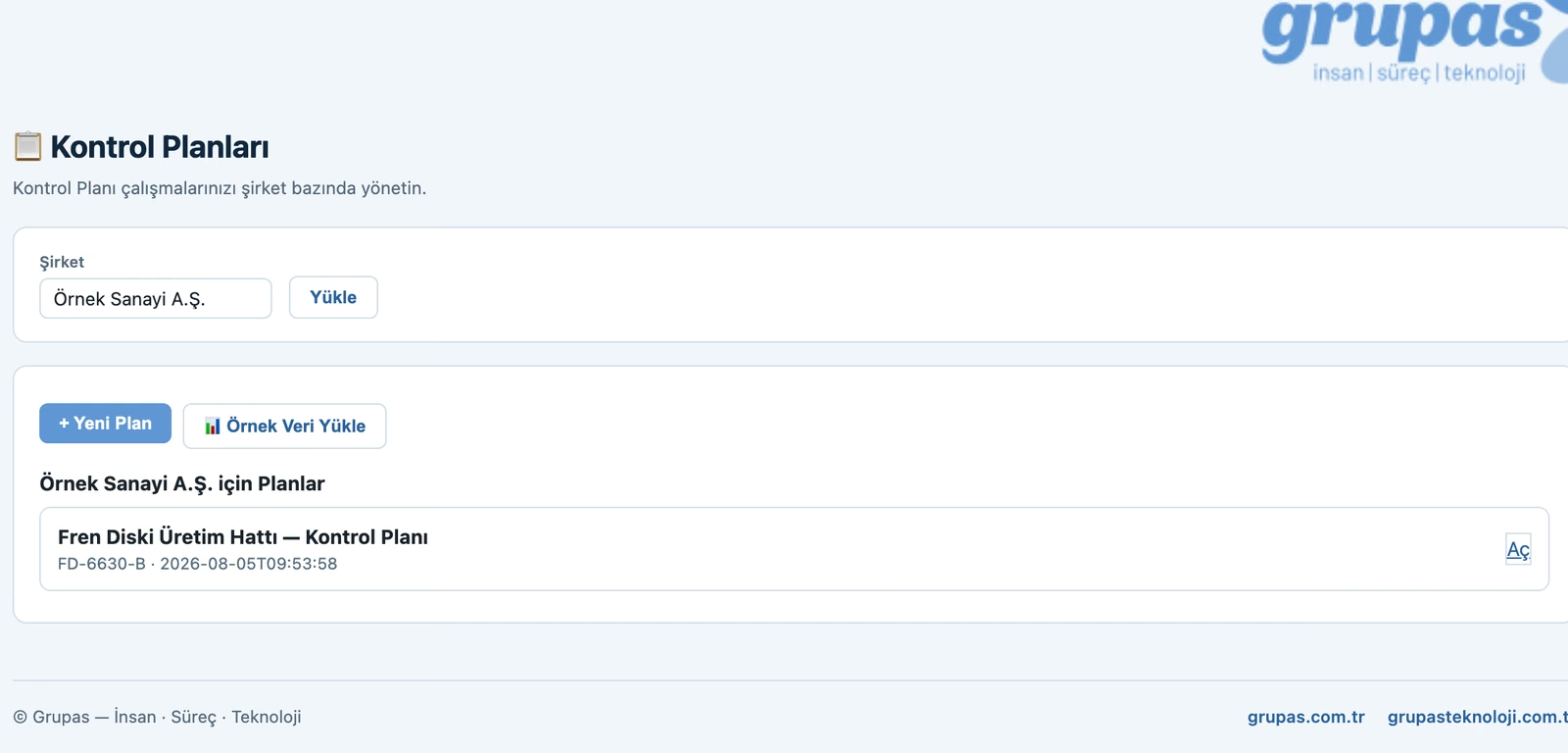
Create a plan
Enter company, part and stage (Prototype / Pre-launch / Production); create a new plan or try ready sample data.
-
3
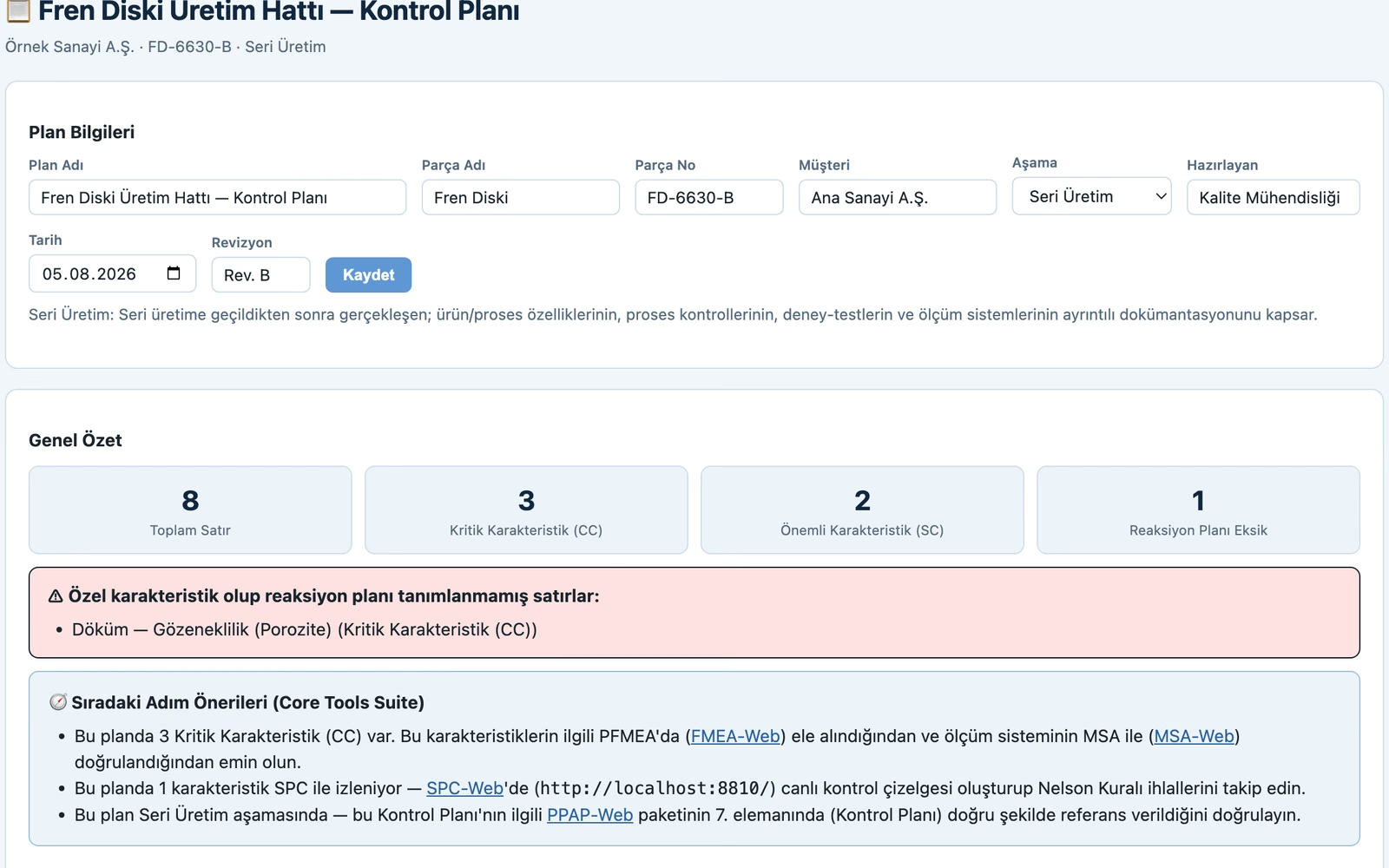
Plan details & summary
Enter part and stage. Total control rows, number of critical (CC) and significant (SC) characteristics and rows missing a reaction plan are summarized instantly.
-
4
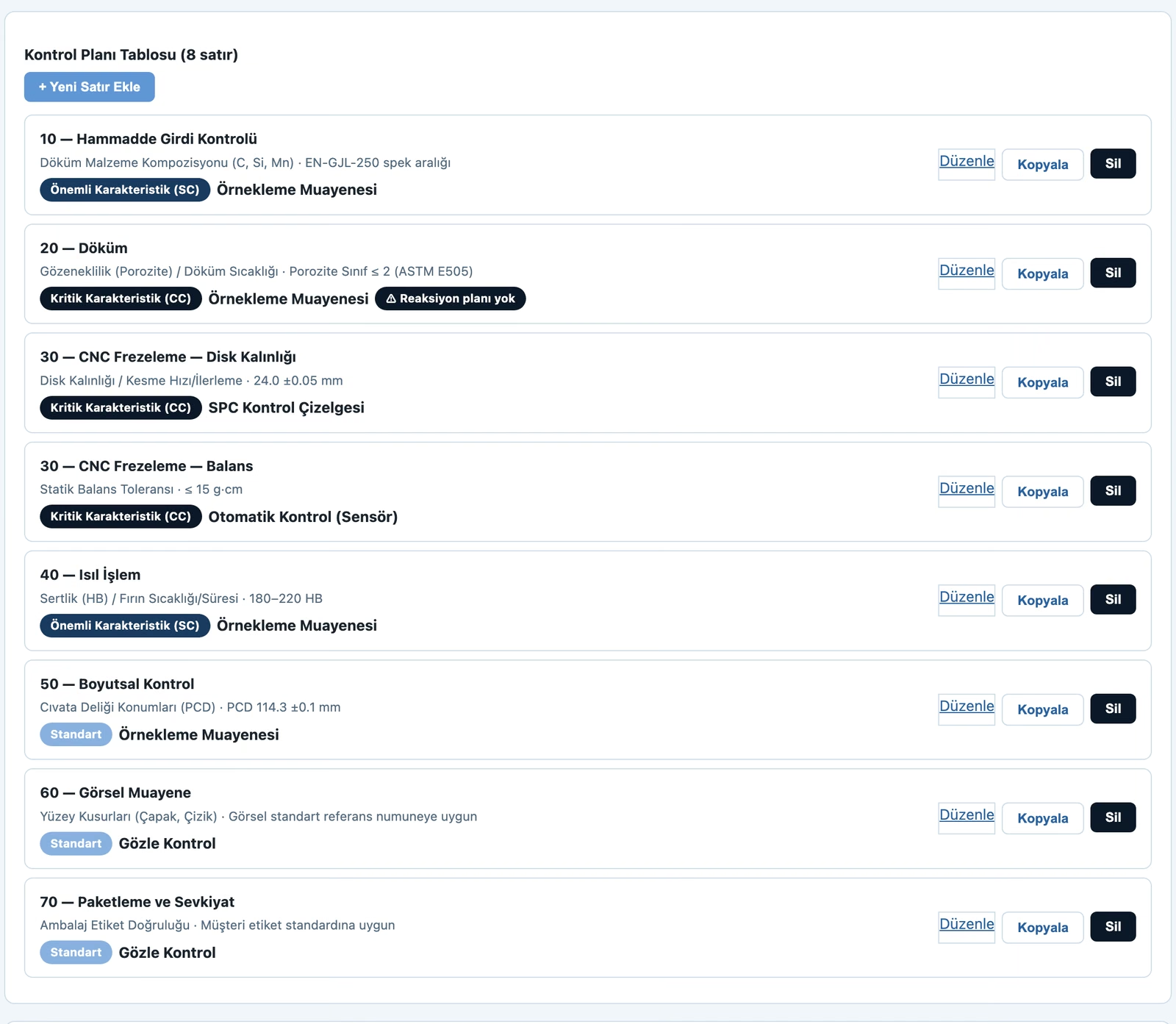
Define control points
For each process step enter the characteristic, specification/tolerance, CC/SC class, measurement/control method (sampling, SPC, automatic) and reaction plan.
-
5
Analyze & report
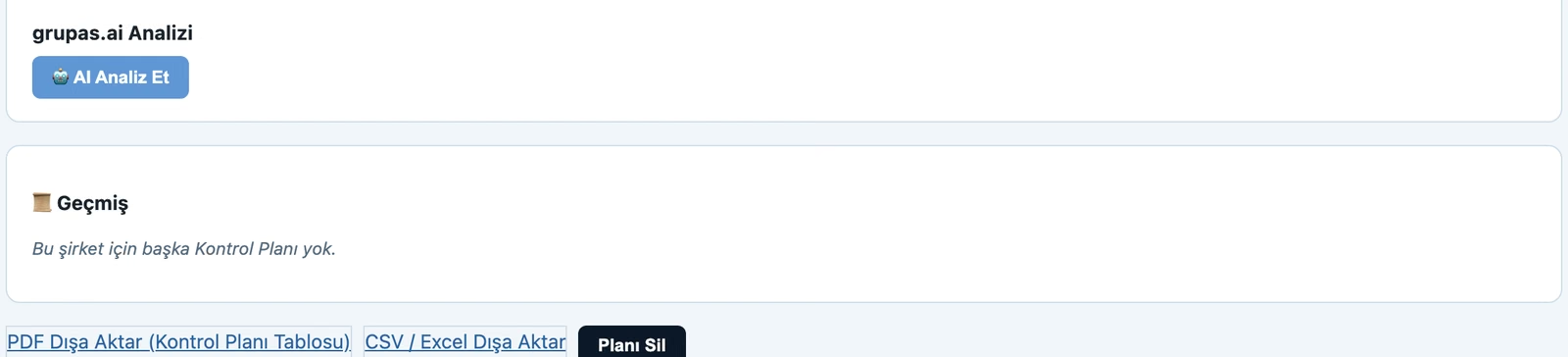
Analyze the plan with grupas.ai, see FMEA/MSA/SPC/PPAP integration suggestions; export the plan as PDF/CSV.
Purpose
To standardize how the process is controlled, keep it consistent with FMEA and make it applicable on the shop floor.
Key functions
- 13-column control plan
- Product and process characteristics
- Measurement method, sample, reaction plan
- Link to FMEA
- Landscape PDF export
Benefits
- Ready for IATF audits
- Consistent, repeatable control
- Prevents knowledge loss
Who is it for?
Quality and process engineering teams.
Let's run this assessment in your team
We'll tailor and report it to your needs and roles. Let's schedule a short call.
Get in Touch